How to Find Players
1. Start from a confirmed booking
Once your booking is confirmed, a Find players button appears — on the booking confirmation page, or under My Account → My Bookings.
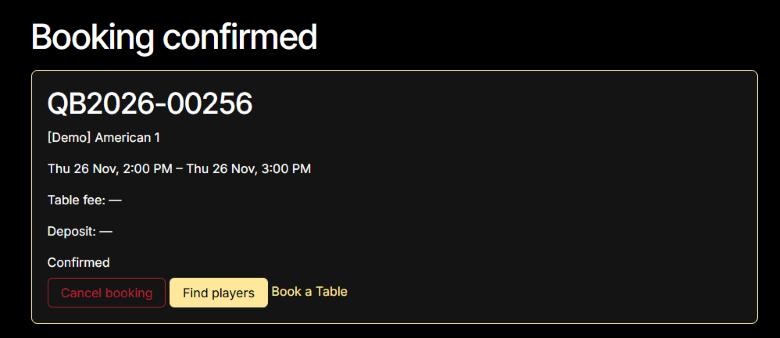
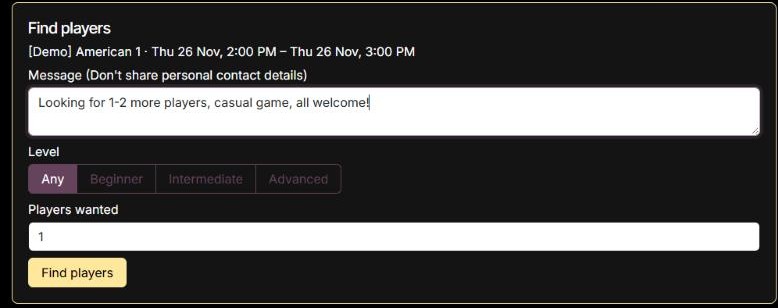
2. Post what you're looking for
Fill in a short message, pick a skill level, and say how many players you need. The first time you post, you'll be asked to accept the community guidelines.
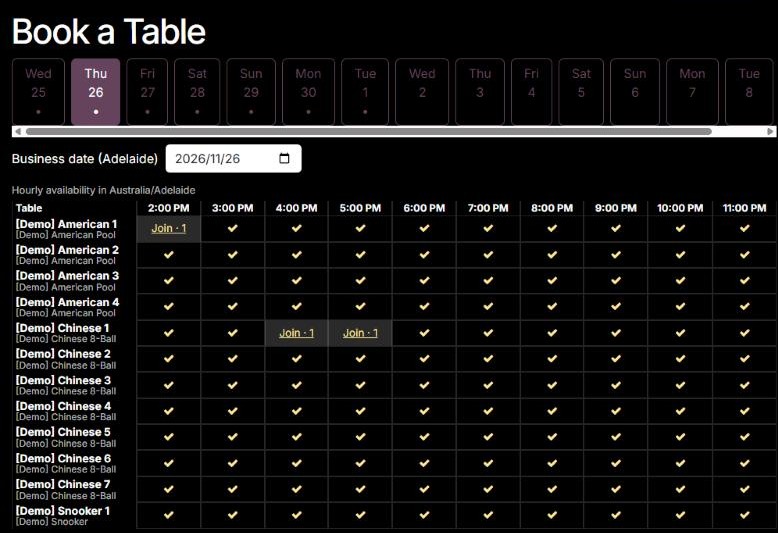
3. Your post goes live
Your post shows up on the booking grid for that date and table, and in the players-wanted list — other signed-in members can see it and apply.
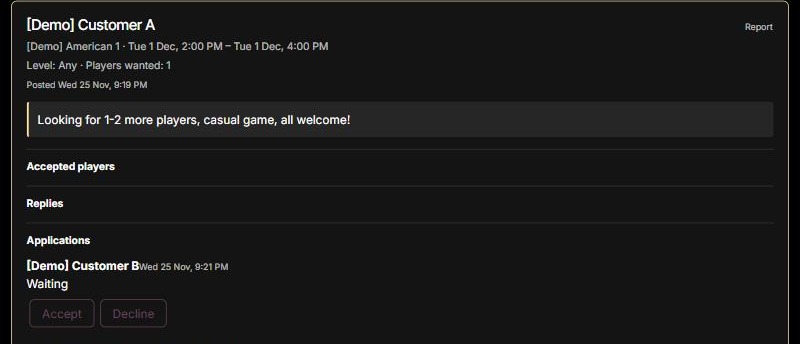
4. Review who wants to join
Go to My Account → My Posts to see and accept or decline anyone who applies.
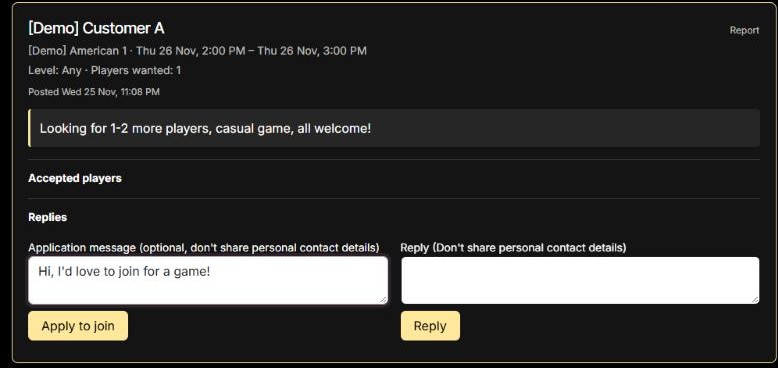
5. Join someone else's game
Look for the Join badge on the grid, open the post, and apply — you'll need to be signed in.
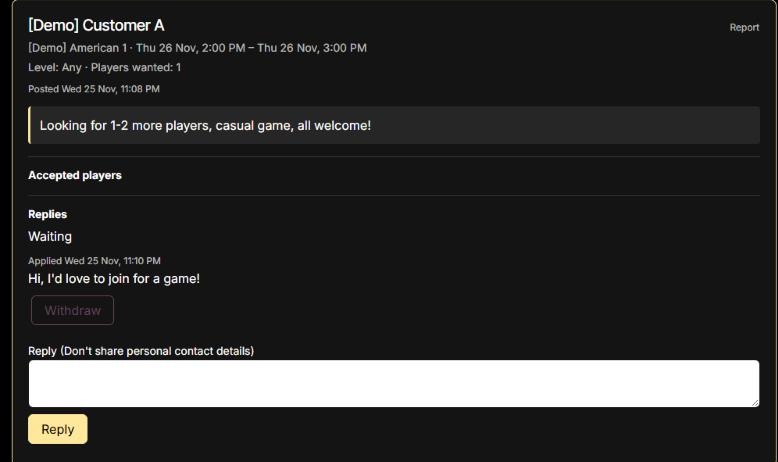
6. Track your applications
See the status of everything you've applied to under My Account → My Join Requests.
Only other signed-in members see your real account name; guests only see "Q Club Player". See the User Notice page for full privacy and moderation rules.