How to Book a Table
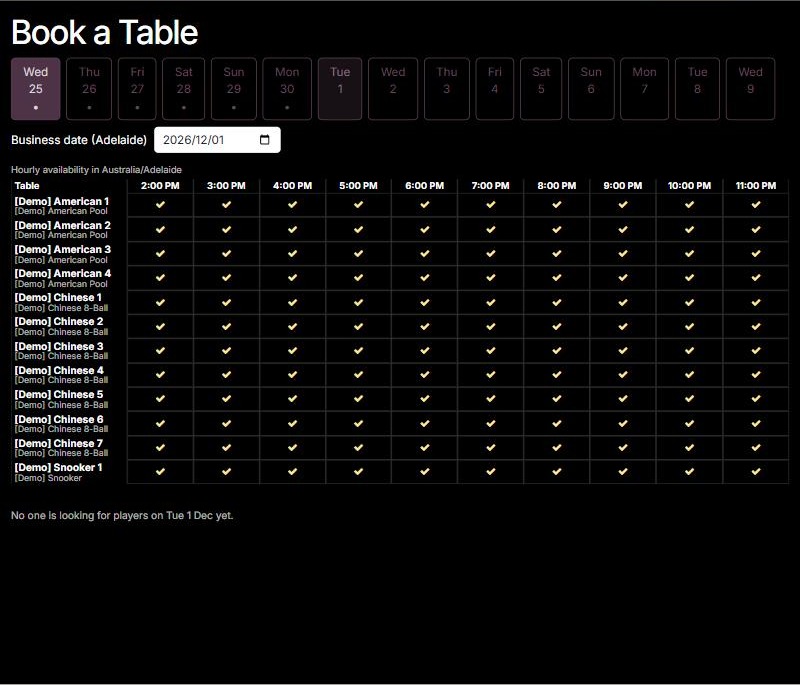
1. Go to Booking and pick a date
Open Booking in the top menu. The grid shows every table's hourly availability for the selected date. All times are shown in Adelaide time.
2. Select your time
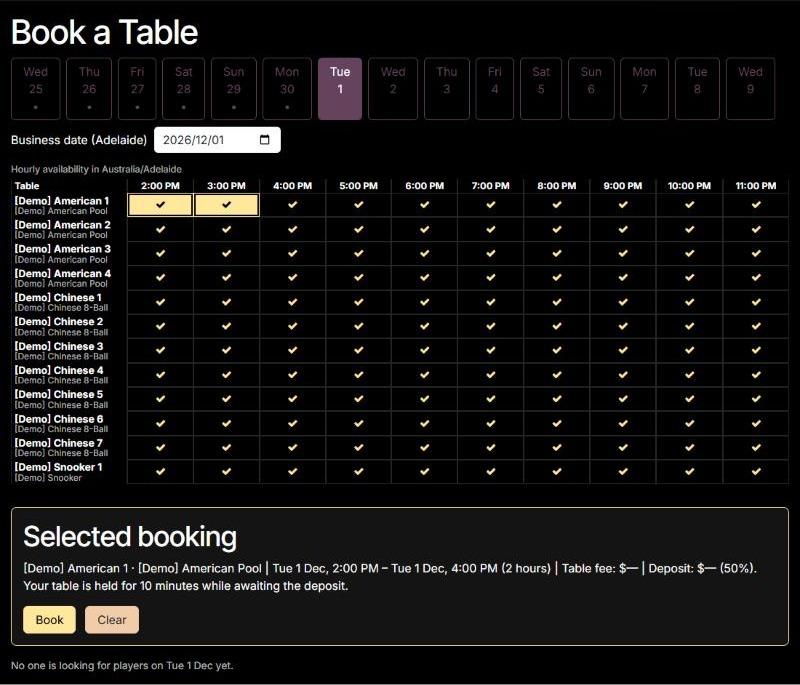
Click a free slot to select one hour. Click the slot right before or after it to extend your booking, up to the club's maximum consecutive hours. Click the single selected slot again to clear it. Your selection shows a live quote with the table, time, table fee, and deposit amount.
3. Book it
Click Book. If you're not signed in yet, you'll be asked to sign in or create an account first — your selection is kept and you'll land back here afterward.
4. Pay the deposit
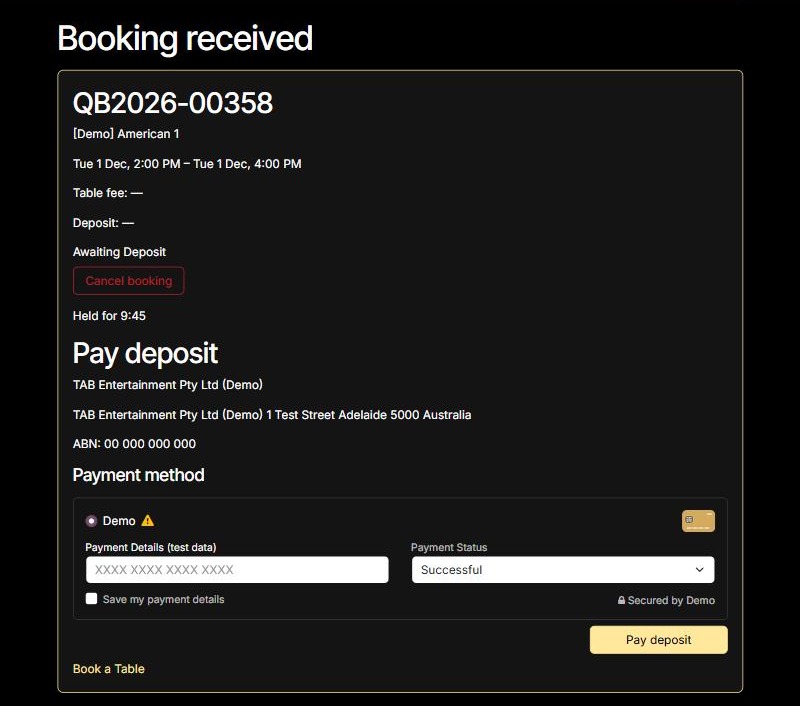
On the confirmation page, pay the deposit shown. The slot is held for you only for a short time, shown as a live countdown — if the deposit isn't paid before it runs out, the slot is released automatically and you'd need to book again.
5. You're booked
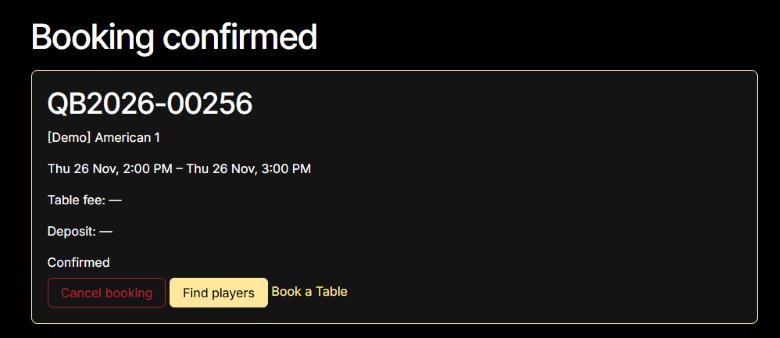
Once the deposit is paid, your booking is confirmed.
6. Manage your booking anytime
Go to My Account → My Bookings to view the date, cancel it, or find players for it. See the User Notice page for the cancellation and no-show rules.